
Organic Visibility Factors: Technical and Content SEO
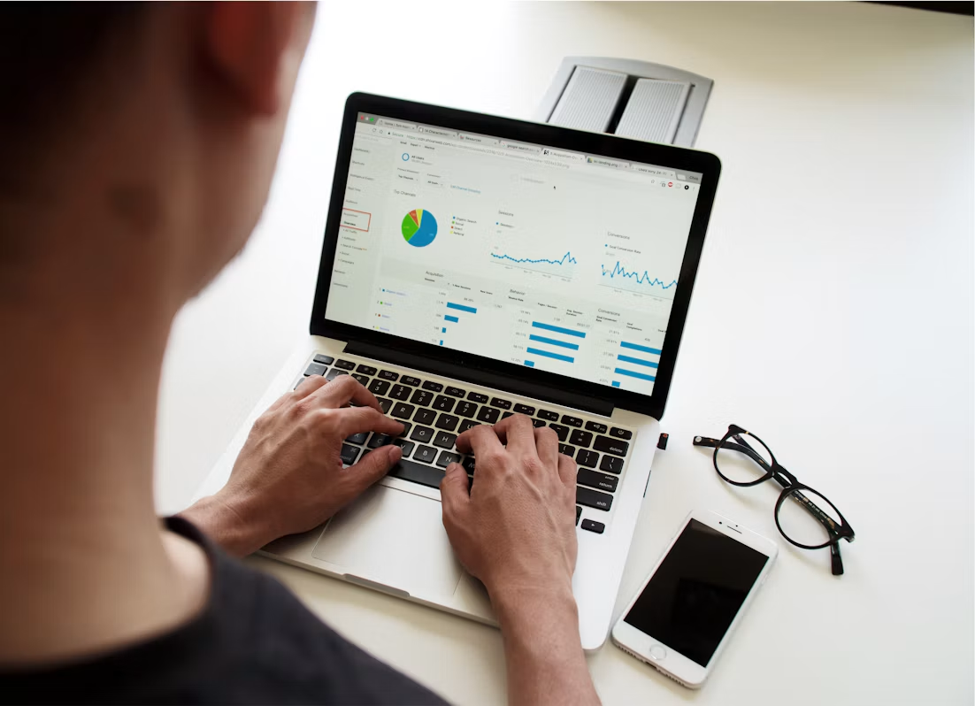
A website can offer the best product in its category and still sit on page four of the search results. Usually the cause isn’t one big mistake. It’s a handful of small technical and content gaps that add up, and each one makes it harder for search engines to find, understand, and trust your pages.
For home business owners, this matters more than it does for large brands. You probably don’t have an ad budget that can cover up a weak website, so organic search often carries a big share of the load. Here’s where to look first. Understanding organic visibility factors helps small business owners strengthen their online presence, improve search rankings, and attract potential customers through organic search.
Crawlability and Indexing Come Before Everything Else
Search engines need to reach and understand a page before they can rank it well. If a page is blocked, poorly linked, or buried deep in the site, even strong writing will struggle. That’s why specialists such as Chooli SEO usually check crawl and indexing health before they touch the content. Organic visibility factors such as crawlability, indexing, and internal linking help search engines discover and rank website pages effectively.
After a redesign, check two settings separately, because they do different jobs. Your robots.txt file controls crawling, so confirm it isn’t blocking folders you want in search. Then look for stray noindex directives, which live in a page’s meta robots tag or HTTP header and tell search engines not to show that page in results. Keep in mind that robots.txt alone won’t reliably keep a URL out of search. Google can still list a blocked URL if other pages link to it, and when crawling is blocked, it can’t see a noindex tag on that page at all. Regularly reviewing organic visibility factors, including robots.txt and noindex directives, helps prevent technical issues from affecting search rankings.
Next, make sure every important page has at least one internal link pointing to it. Search engines can still find an orphaned page through your sitemap or links from other sites, but it lacks internal links that help discovery and provide context. Finally, submit an XML sitemap through Google Search Console and review the page indexing report, which shows which URLs Google excluded and why. Strong internal linking and regular sitemap checks are important organic visibility factors that help search engines discover and understand key website pages.
Duplicate URLs deserve attention too. An online shop might show the same product at several addresses depending on color filters or tracking parameters. A canonical tag signals which version you prefer search engines to treat as the main one. Google treats it as a hint rather than a command, so keep your internal links and sitemap pointing to that same URL to reinforce the choice. Canonical tags and consistent internal links are important organic visibility factors that help search engines identify the preferred version of a webpage.
Page Speed and the Mobile Experience
Google primarily uses the mobile version of a page for indexing and ranking. If your site looks fine on a desktop monitor but loads slowly or shifts around on a phone, that weaker version is the one being judged.

Google measures real-world experience through Core Web Vitals. Largest Contentful Paint tracks how quickly the main content appears. Interaction to Next Paint measures how fast the page responds when someone taps or clicks. Cumulative Layout Shift captures how much elements jump around while loading. You can see your scores in Search Console or PageSpeed Insights.
Compress images and serve them in modern formats like WebP. Remove plugins you no longer use. Lazy-load images below the fold. If your pages still drag after all that, cheap shared hosting may be the bottleneck.
Site Structure That Makes Sense to People and Crawlers
A clear structure helps visitors find what they need, and it shows search engines which pages matter most. Picture a home bakery’s website. A sensible layout might run from the homepage to category pages for cakes, cookies, and custom orders, then down to individual products. Every key page sits within a few clicks of the homepage.
Internal links carry a lot of weight here. Descriptive anchor text such as “custom wedding cakes” tells search engines far more than “click here.” Breadcrumb navigation adds further context.
Content That Matches Search Intent
Technical health gets you into the race. Content decides where you finish.
Every search carries an intent. Someone typing “how to start a candle business” wants guidance. Someone searching “soy wax bulk supplier” wants to buy. A long blog post is less likely to match the dominant intent for the second query, and a product page is less likely to match it for the first. The simplest way to read intent is to search the term yourself and study the top results. Are they guides, comparison pages, product listings, or videos? Results often mix formats, but the pattern shows you which one dominates.
If you’re still deciding whether this effort pays off, this look at how SEO can help a home-based business covers the bigger-picture benefits.
Depth, Originality, and First-Hand Experience
Google states in its SEO Starter Guide that creating compelling, useful content will likely influence your search presence more than any other recommendation it makes. Useful doesn’t mean long. It means answering the question better than the pages already ranking.
Home business owners have a real advantage here: direct experience. A soap maker who explains why a batch seized, with photos of the failed attempt, offers something a generic article can’t. Original photos, real customer questions, and specific numbers from your own work all signal that a real person with real knowledge wrote the page.
Old content needs maintenance as well. Prices change, tools get discontinued, and advice goes stale. Reviewing your top pages every few months keeps them accurate, and merging thin, overlapping posts into one stronger page often helps more than publishing something new.
On-Page Signals That Help Search Engines Read Your Pages
A few small elements do a lot of work. Your title tag should name the page’s topic clearly, with the key words up front. Around 60 characters is a reasonable guideline, but Google truncates titles based on available display width, so no length guarantees a full display. Meta descriptions don’t directly affect rankings, but a specific, accurate one can earn more clicks. Use a clear H1 for each page and organize the rest with logical subheadings.
Write alt text that describes each image for people who can’t see it. Structured data helps search engines interpret your details. Product markup can make a listing eligible for price and rating features when it meets Google’s requirements. Local business markup clarifies details like your address and hours, though it won’t earn review stars for testimonials you publish about your own business.
Keep Both Sides Working Together
Technical problems tend to creep back after theme updates, new plugins, or site migrations. A short quarterly review covering indexing reports, Core Web Vitals, and your best-performing pages will catch most issues before they cost you traffic. Fix whatever blocks visibility first, then put your energy into the pages that bring in customers.
Find a Home-Based Business to Start-Up >>> Hundreds of Business Listings.