I installed 3 Claude Code mods, and now the default version feels unfinished
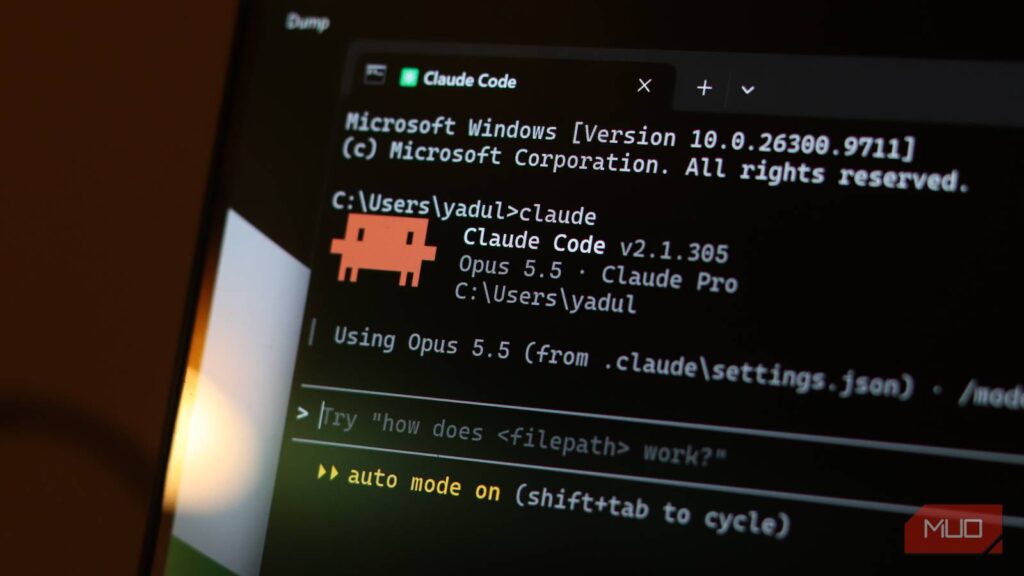
Claude Code has enough models to cover everything from building complex software to writing your daily emails. What it needs isn’t something that makes the model smarter, but something that addresses the gap between asking an agent to work and understanding what it’s doing.
That’s where mods come in. They can put useful information beside the conversation, interrupt questionable commands, and make changes easier to inspect. That’s a much more practical upgrade than yet another elaborate prompt.
Context-bar finally tells you who’s hogging your context
A stacked bar, a legend, and fewer excuses for blaming chat history
A percentage tells you that your context window is filling up, but it doesn’t explain exactly what’s taking space inside it. Context-bar explains what’s filling it: system instructions, MCP tools, memory files, skills, and messages appear as separate colors in a stacked bar above the prompt. Its header includes token usage and the compaction point as well, while a handy legend breaks everything down by category.
That distinction is more important than a flashy progress indicator. Imagine you’re running a debugging session where the conversation seems short, but the context window is already nearing the compaction point. Seeing the categories gives you somewhere to start investigating instead of blaming chat history for the entire problem.
Claude Code already has the built-in /context tool, but this mod’s advantage is keeping a similar breakdown visible without repeatedly typing a command or opening a window. It refreshes after the main-agent turns and compaction, using local estimates to avoid extra API calls, although on-demand tool schemas are excluded from the category breakdown.
That bar isn’t extra memory or protection against losing details. When appropriate, /compact summarizes an ongoing task, while /clear starts fresh between unrelated tasks. Context-bar simply makes those decisions less blind, and you can hide it with /context-bar when the display becomes distracting.
Blast Radius makes Claude show its work before it deletes yours
Held commands, previews, and a 60-second timer on your bad ideas

Giving Claude permissions to run a command and understanding what it’ll actually do are two different things. Blast Radius focuses on the second problem by holding selected risky Bash commands, including recursive deletion, force pushes, and supported database migrations, before execution.
For a deletion, it lists affected files and their size; for a force push, it lists remote commits that would be dropped. That turns your uncertainty about running a command into a question you can answer without relying on the agent’s own explanation.
For example, if you’ve tasked Claude with cleaning up a build directory, a preview containing unexpected source files gives you a reason to cancel before the cleanup turns into recovery. That might sound like friction, but it’s useful friction that can save you hours of work.
The community version cancels any requests after 60 seconds without an answer by default, and it refuses immediately when there’s no screen available for someone to respond. Unlike some other tools, Blast Radius doesn’t assume silence for consent.
That said, it’s not a comprehensive security tool. It targets recognized command patterns rather than every possible destruction action your agent might be capable of. An unresolved shell-variable path might fail to produce a file list, showing a “can’t preview” warning instead, so you’ll need to check it by hand. Keep permission rules and backups intact — a helpful warning isn’t the same as a hard boundary.
Replay Theater turns Claude’s edits into a watchable rerun
One diff at a time, minus the scavenger hunt through the transcript

Claude’s explanation of a change isn’t always the change itself. Replay Theater adds /replay, which opens the previous editing turn as a sequence of individual diffs. You can use n and p to move between steps, and q to close the view.
Its task is quite straightforward. A multi-file refactor easily becomes a review task instead of a scavenger hunt through Claude’s transcript. You can examine a function rename, the caller update, test adjustments, and more without treating the agent’s final paragraph as evidence that everything works.
Claude Code already has a built-in /diff view, so Replay Theater isn’t the only review tool at your disposal. It simply makes the review process more manageable by going in a turn-by-turn sequence rather than just showing you the whole working tree. There is a scope limit too, as the community implementation only watches Edit and Write calls, not arbitrary filesystem changes made via Bash. You’re better off treating it as a focused review aid, not a complete audit log. Tests and a final Git diff still have their place before you make the final commit.
Mods can do anything you can, so vet them like it
Your permissions, no sandbox, and a validate command that isn’t an audit
Once you start adding mods to Claude, you’ll quickly be tempted to keep doing so until your terminal starts looking like a cockpit. I’d recommend resisting it. According to Anthropic’s documentation, mods run with your permissions, can access files and secrets, and aren’t sandboxed. A process started by a mod can also run outside Claude Code’s Bash sandbox.
Review the source and use claude plugin validate to inspect its declared hooks and API calls. Validation isn’t a security audit either, so it’s best to keep your mod count to the minimum needed and vet mods before you install them.